Employees checking in at the entrance of a commercial workplace
WORKFORCE

Know who showed up.

GPS attendance, exceptions and reports without the chase.

GPS check-in
Exceptions
Reports for HR
TIME & ATTENDANCE

From check-in to a useful report.

Keep every attendance event connected to its location and schedule.

Discuss your workflow
WORKFLOW01—04
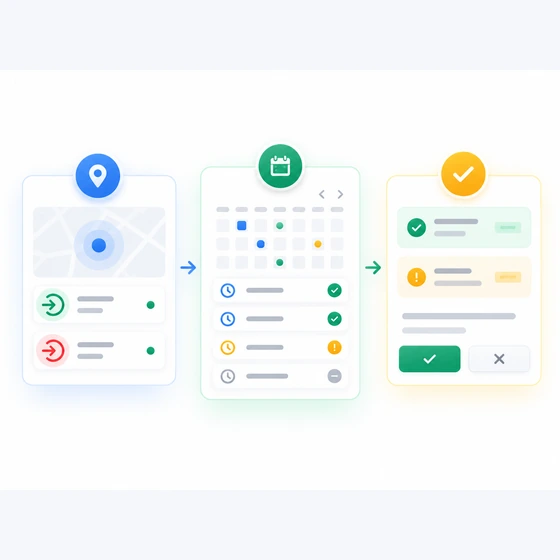
Icon-based attendance process from check-in to schedule comparison and HR resolution without cartoon people
GPS and geofencing availability depends on device permissions and setup.

Clear attendance, from anywhere.

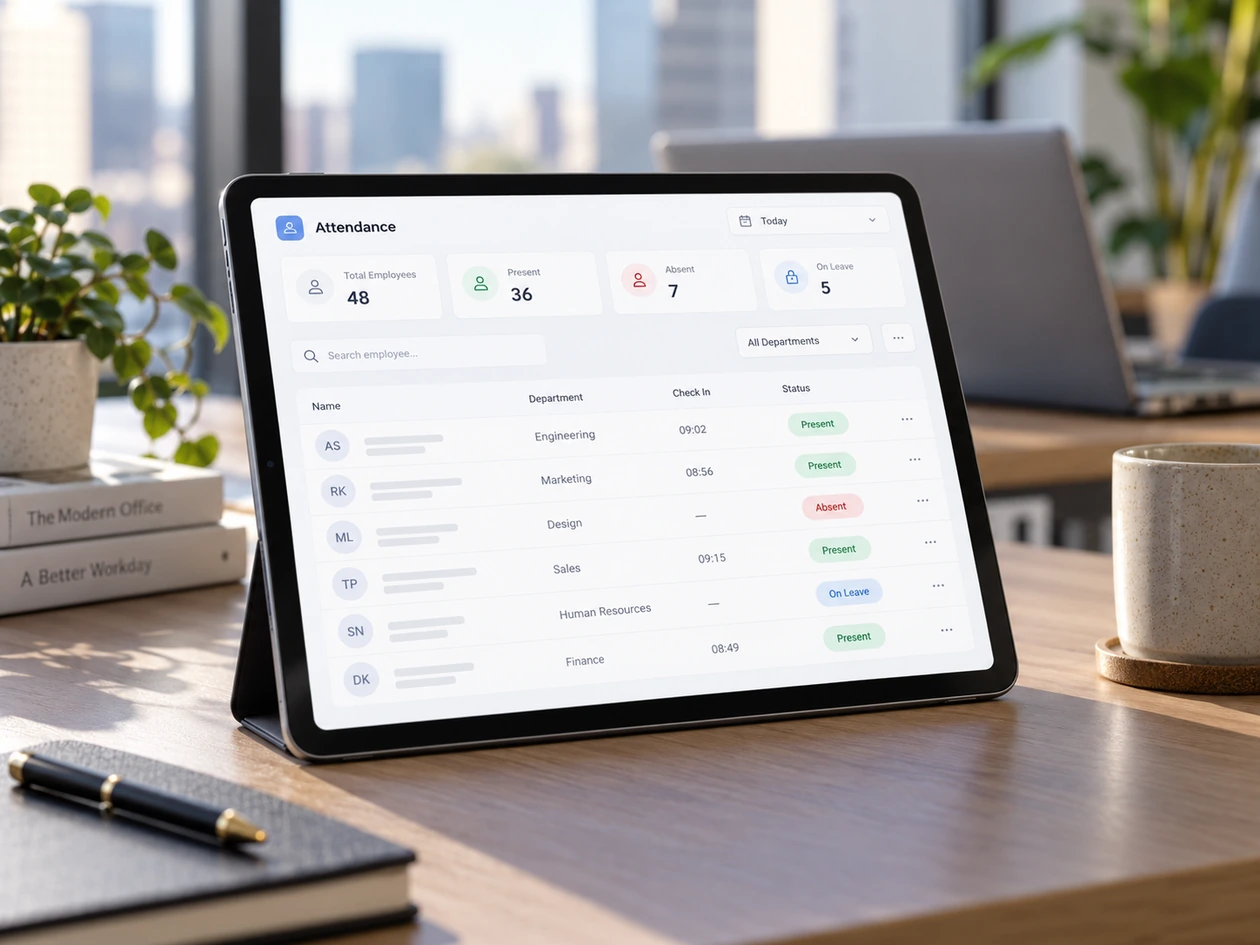
Tablet showing an attendance dashboard in a modern office setting
Attendance overview on a tabletInterface concept — not a live product screenshot
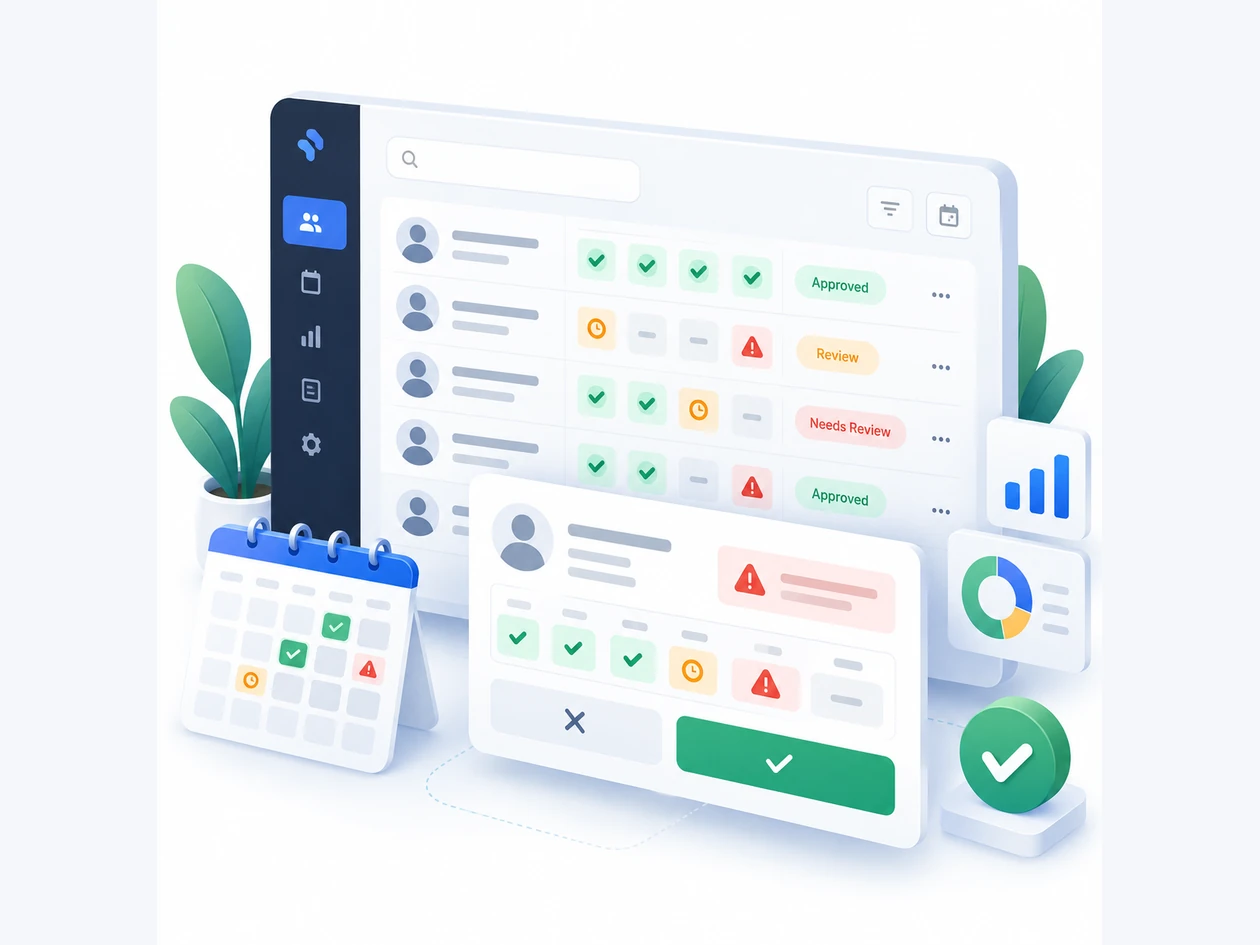
Icon-based visual concept of an attendance approval and exception dashboard
Review the exceptionsConcept illustration — simplified visual explanation

Give HR cleaner attendance data.

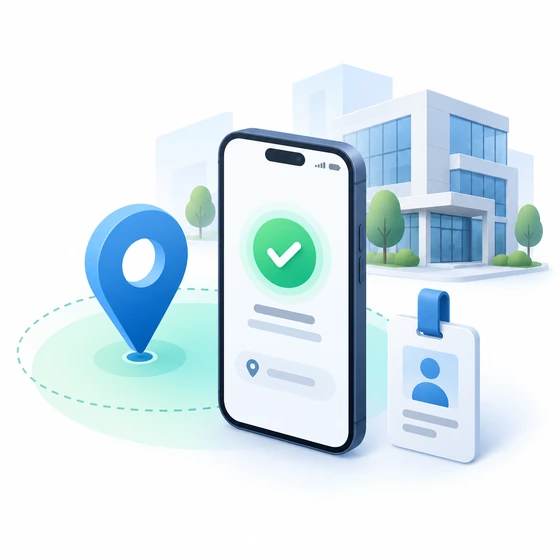
Mobile attendance icon illustration with geofence check-in
01

Mobile attendance

Location-aware check-ins for office, field and hybrid teams.

Visual workflow showing attendance exceptions and review
02

Compare and resolve

Review gaps, tardiness and missing punches with clear exceptions.
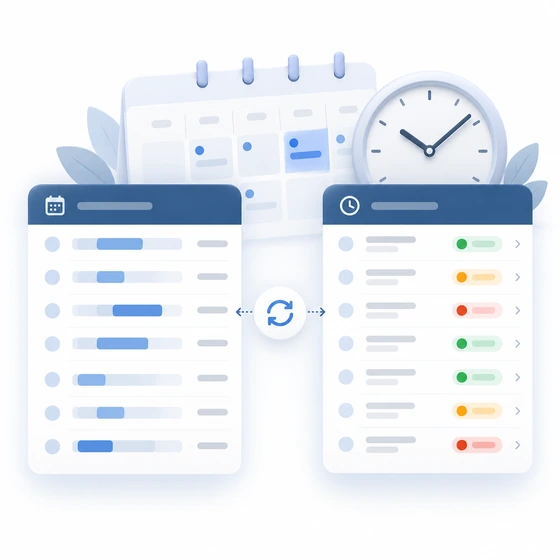
Illustration showing schedule synchronization and attendance reporting
03

Reports without retyping

Turn reviewed time records into something HR can actually use.

LET'S TALK

How does your team clock in?

Share your schedules, locations and reporting needs.

Does it require GPS access?

Location-based check-ins require device location permission, and geofencing rules are configured for the workplace.

Can it support multiple work arrangements?

Workforce can support site-based, remote and hybrid attendance rules as part of the agreed setup.